Simple Search
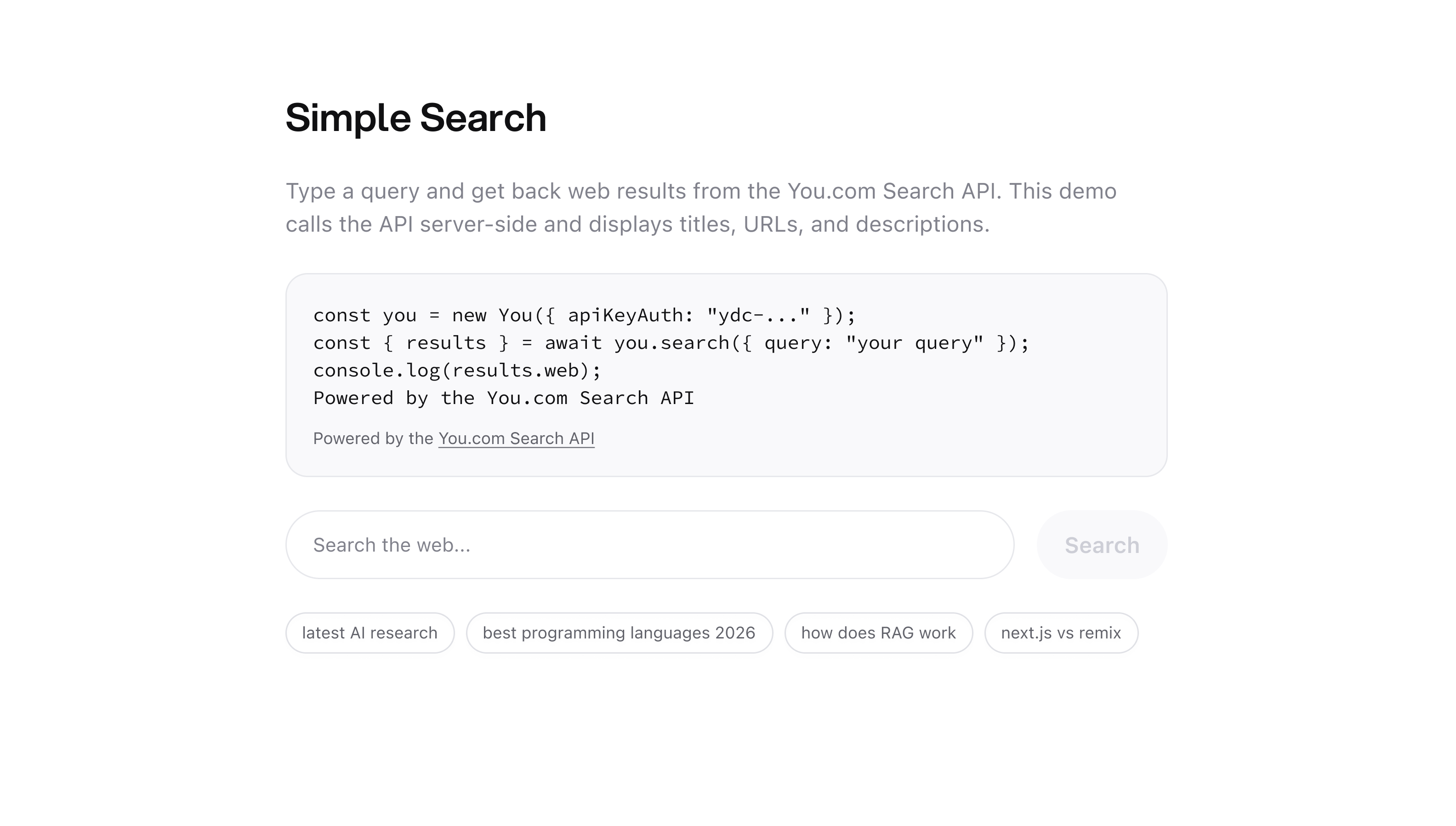
If you’re new to the You.com API, this is the right place to begin. Before building RAG pipelines or research agents, you need to understand the foundation: the Search API. Send a query. Get back accurate web and news results.
The Search API gives you direct access to You.com’s search index — the same index that powers our Research API and our own search engine. You get titles, URLs, and descriptions for the most relevant pages on the web, fast. Then, you decide what to do with them: filter them, rank them, display them in a UI or feed them into a language model to synthesize an answer.
This example shows the simplest possible way to call it: a Python script and a small Next.js web app you can deploy to Vercel.
Prerequisites
Run It
Python
Web App
The quickest way to see the API in action is the command line.
No query? No problem — the example falls back to a default one, so python simple_search.py works too.
What you get back:
Each result has a title, URL, and a short description pulled from the page. Clean, structured, ready to use.
How It Works
Both the script and the web app do the same three things:
- Take a search query
- Call the You.com Search API via the Python or TypeScript SDK
- Display the title, URL, and description for each result
The web app just adds a layer of UI on top: a search input, result cards with favicons, and You.com branding. The API route (app/api/search/route.ts) keeps your key server-side.
What’s Next
Instead of raw results, get a synthesized, cited answer written by an agent that reads the web for you.
Use your own documents to ground an LLM response — no web search needed.
Full docs for filtering by freshness, country, language, and more.
Resources
- Search API Reference
- Python SDK on PyPI (
pip install youdotcom) - TypeScript SDK on npm (
npm install @youdotcom-oss/sdk) - GitHub: ydc-simple-search-sample
- Live Demo
- Discord

